Office 365
Overview
DMARC (Domain-based Message Authentication, Reporting and Conformance) is an email authentication standard that determines whether an email is authentic or not. It relies on SPF and DKIM protocols to decide the authentication status. While providing visibility of the sources sending emails from your domain, it ensures better deliverability and, most importantly, guarantees security against spoofing, phishing, impersonation attacks.
Sender Policy Framework or SPF is an email authentication protocol that protects domains from cyber attacks like spoofing, phishing and spam. It allows domain owners to specify which email servers are permitted to send emails from their domain(s). This way, it is able to detect emails sent by forged sender addresses.
Although many Microsoft Office 365 customers now add Exchange Online Protection and Microsoft Office 365 Advanced Threat Protection to prevent spam, malware, and viruses, it still leaves organizations exposed to sophisticated email attacks including business email compromise and spear phishing.
We recommend that you set up DKIM and DMARC in addition to SPF. These authentication techniques increase the security of your domain and ensure that messages sent from it are delivered correctly.
Follow these simple steps to set up SPF
Follow these simple steps to set up DKIM
Follow these simple steps to set up DMARC
Setup
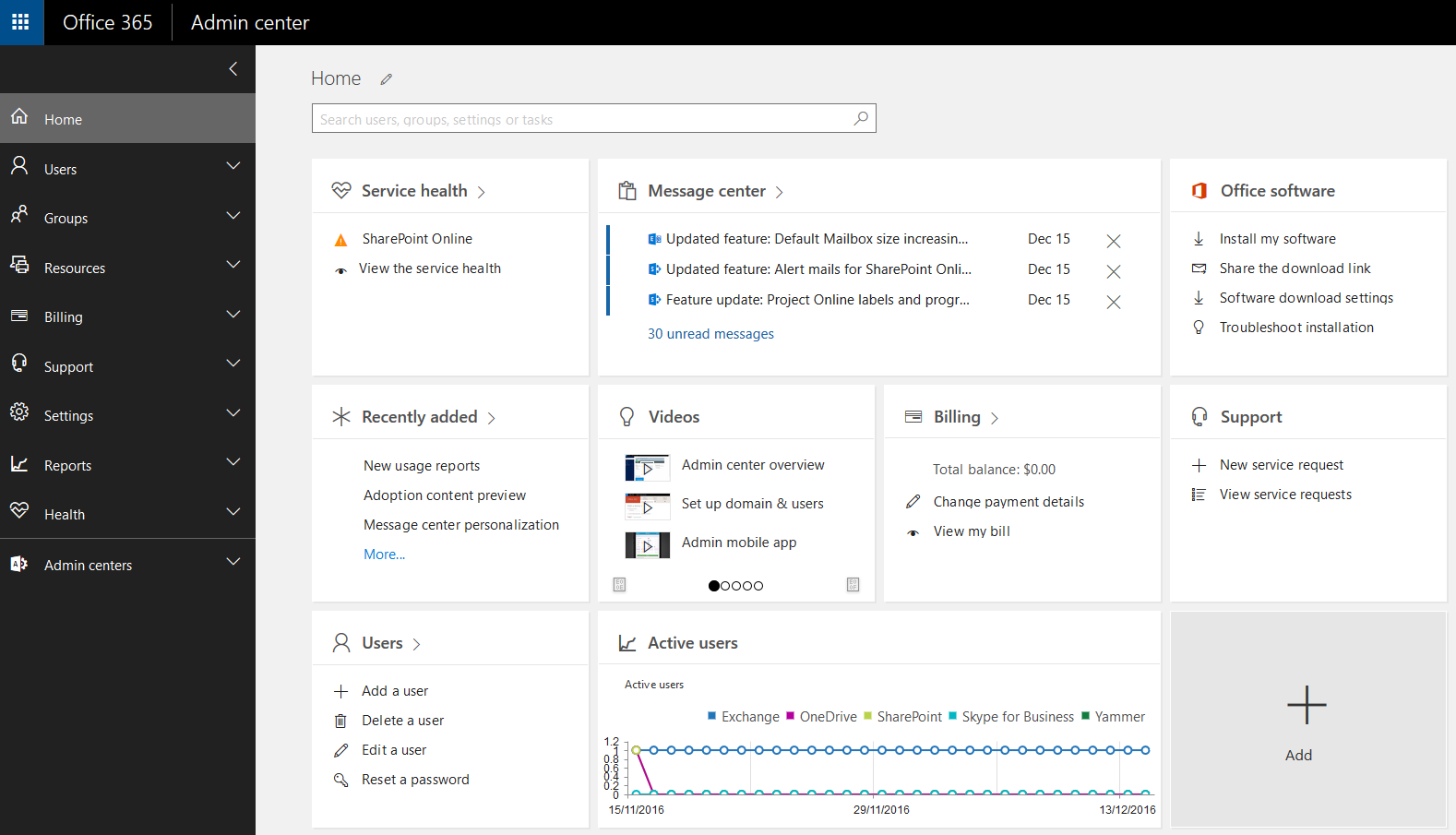
- Login to the ‘Office 365 Admin Center’.
- From the ‘Settings’ menu, navigate to ‘domains > select or add the desired Office 365 domain’.
- Select the ‘Office 365 domain’ of your choice. You will be navigated to a page having instructions on how to set up your DNS settings.
- For setting up DNS, login to your DNS provider and implement SPF, DKIM and DMARC for the domain you selected earlier.
Please note, it may take 48-72 hours for your DMARC records to start generating.
Benefits
Apart from giving companies, organizations and businesses the ability to take control of their email domains, EmaiAuth has the following advantages:
- Protects brand reputation
Cybercriminals will seek to spoof domains and use a brand’s online presence for nefarious deeds regardless of the size or breadth of the firm. DMARC protects the brand’s integrity by keeping the brand name out of an attacker’s arsenal of faked email domains. - Provides more insight into cyber threats
DMARC allows organizations to keep track of all authorized and non-authorized third parties who send emails on their behalf, ensuring compliance with security best practices. - Prevents email spoofing
All organizations want to protect their domain from spoofing attacks. While this is beneficial for internal employees, it also prevents spammers from utilizing the organization’s domain to assault or spoof other businesses. SPF and DKIM are two tools that can help with this. Once these two are in place, DMARC can be implemented. - Increases email deliverability
Even valid emails might end up in spam folders or quarantines, which can be problematic when emails contain sensitive medical information or other important data. DMARC provides additional assurance that emails sent by a specific company are authentic, thus enhancing deliverability to inboxes while also preventing spam.